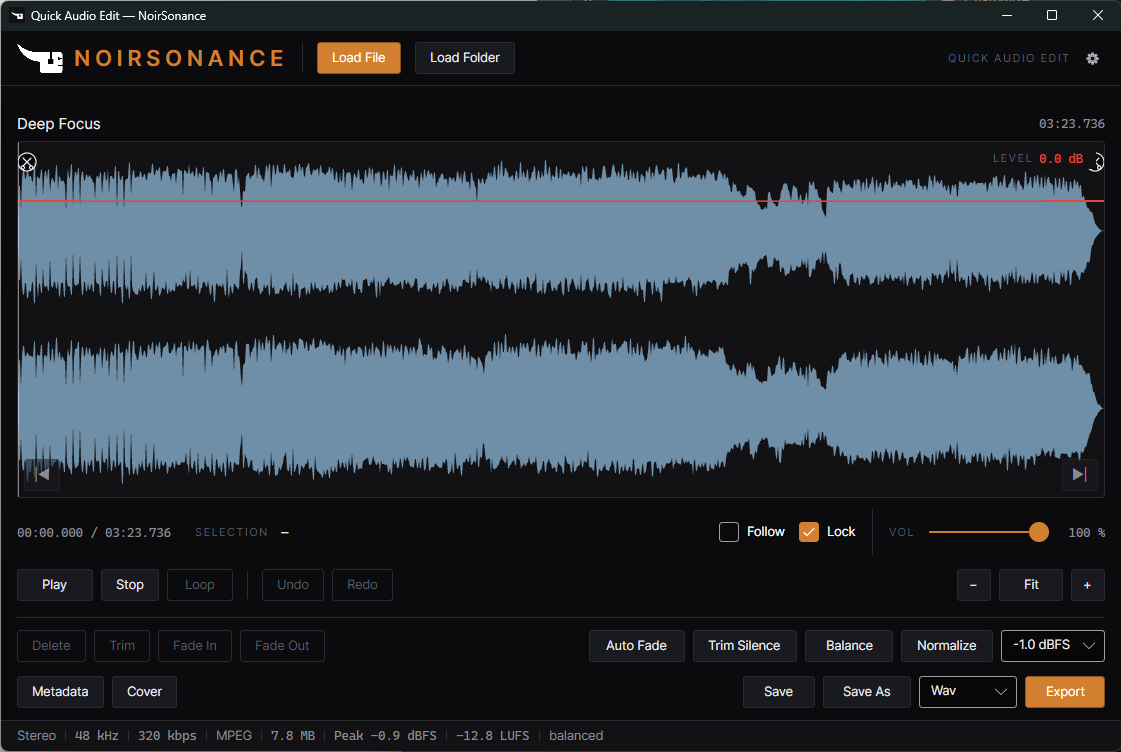
Quick Audio Edit is a standalone desktop audio editor. It combines waveform editing for a single file with batch processing for a whole folder, so the same tool handles one precise edit and a folder full of repetitive cleanup. No session to configure, no project to create.
Crop and fade
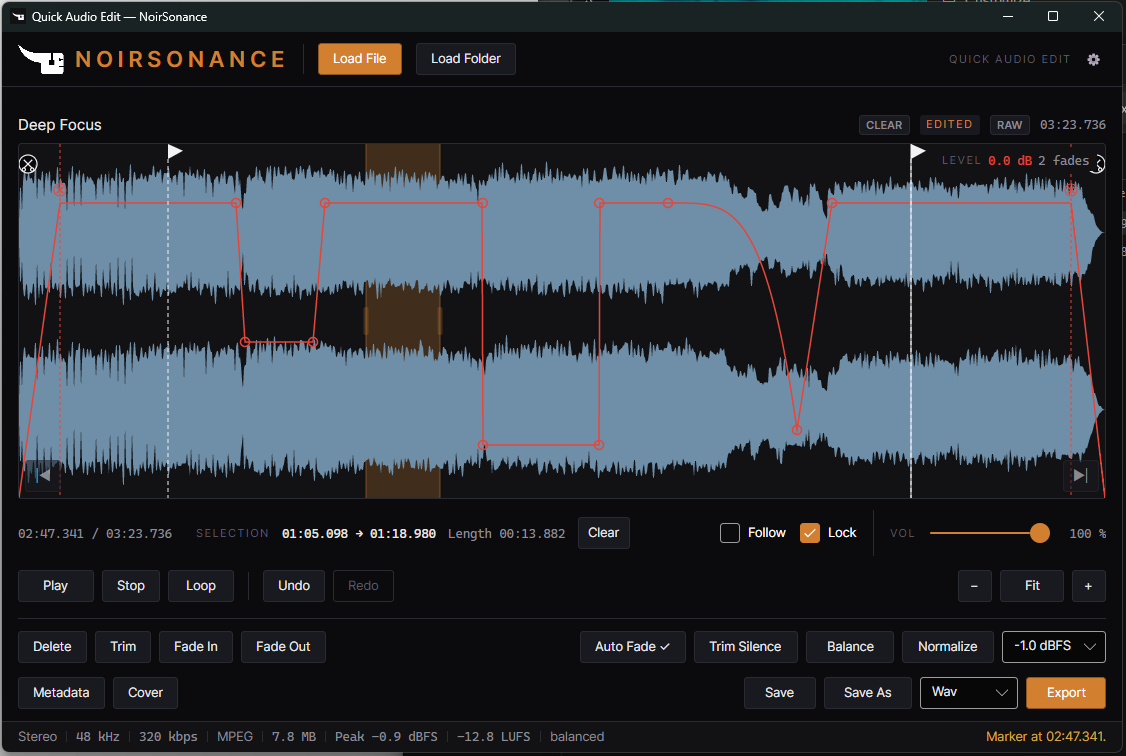
Select directly on the waveform, then Crop, Fade In, Fade Out or Auto Fade, adjust gain and undo or redo as you go. Switch between RAW and EDITED playback while you work, so you hear exactly what your changes are doing.
Batch processing
Load a folder and apply Normalize, Balance, Trim Silence and fades across many files in one pass. Listen to the results, then use Save All As to write processed versions and keep your originals where they are.
Made for
Preparing folders for DJ sets, radio programming, YouTube mixes and recurring audio sessions: shorten an intro, shape an ending, or apply the same processing to everything in a folder.
Specifications
- Input: WAV, MP3, FLAC, OGG and OPUS.
- Export: WAV, including batch Save All and Save All As.
- System: self-contained standalone application for Windows x64 and macOS, Intel and Apple Silicon. One purchase includes all three platform downloads.
- Delivery: instant digital delivery, one-time purchase, no subscription.
- Privacy: editing works offline, with no account and no telemetry. Open-source notices are published with the release.
Good to know
Normalisation changes level; it does not guarantee that every track will sound equally loud. Quick Audio Edit edits individual files and batches, and does not assemble a continuous mix. If you need a final format other than WAV, plan a separate conversion step. A free Demo is available for each platform, so you can try the workflow before buying.