01
CONTINUOUS MIXES
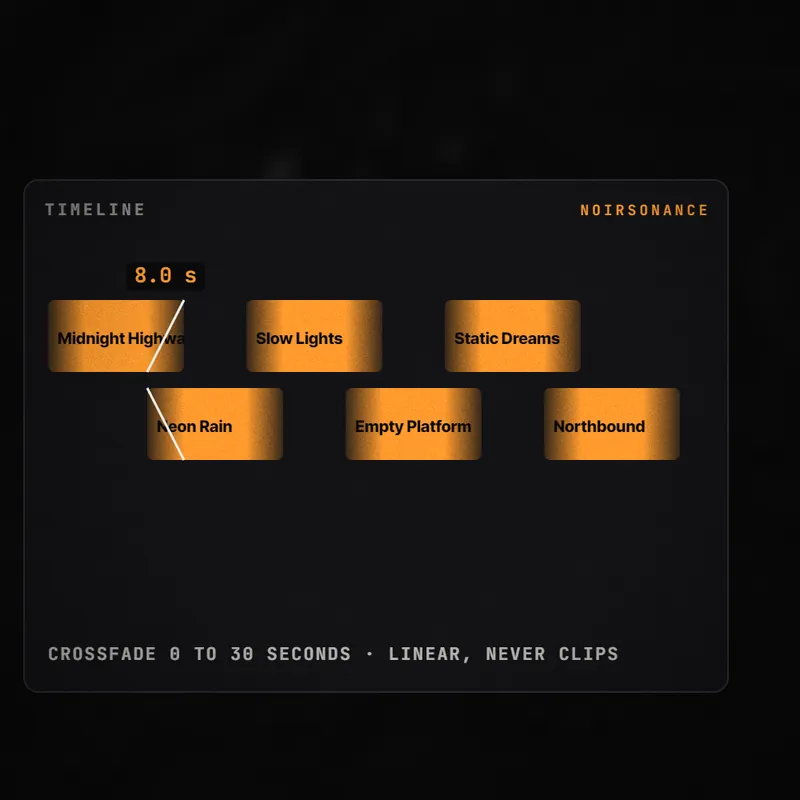
Join your tracks with adjustable crossfades from 0 to 30 seconds. Shuffle the order or use natural filename sorting, then set an exact duration or let the final track finish.

THE PRODUCT STORY
Choose a folder, set your crossfade and generate a continuous mix. Built for background music, radio programming and long listening sessions.
CORE CAPABILITIES
01
Join your tracks with adjustable crossfades from 0 to 30 seconds. Shuffle the order or use natural filename sorting, then set an exact duration or let the final track finish.
02
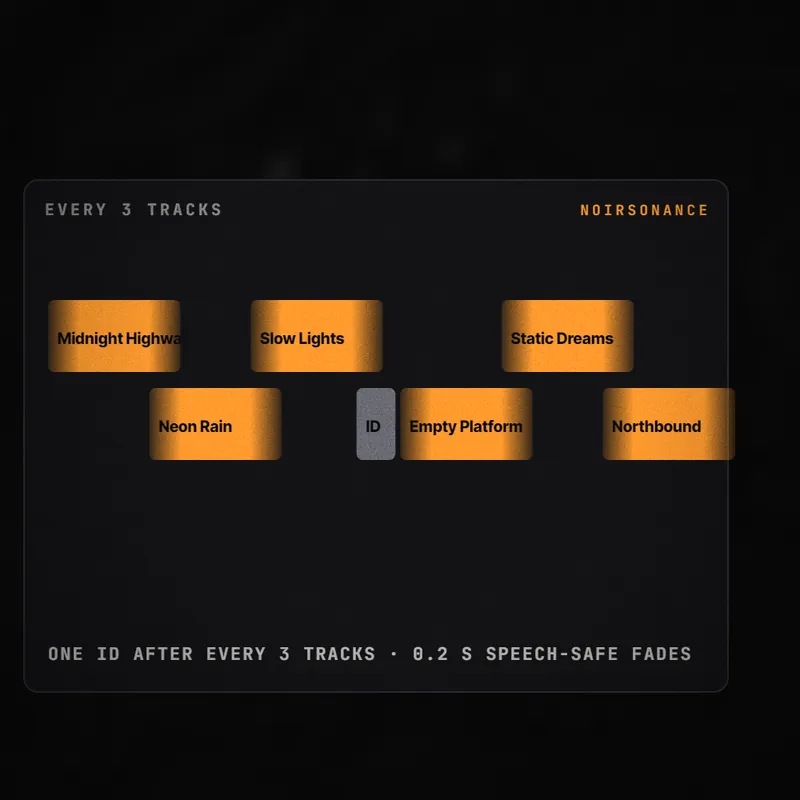
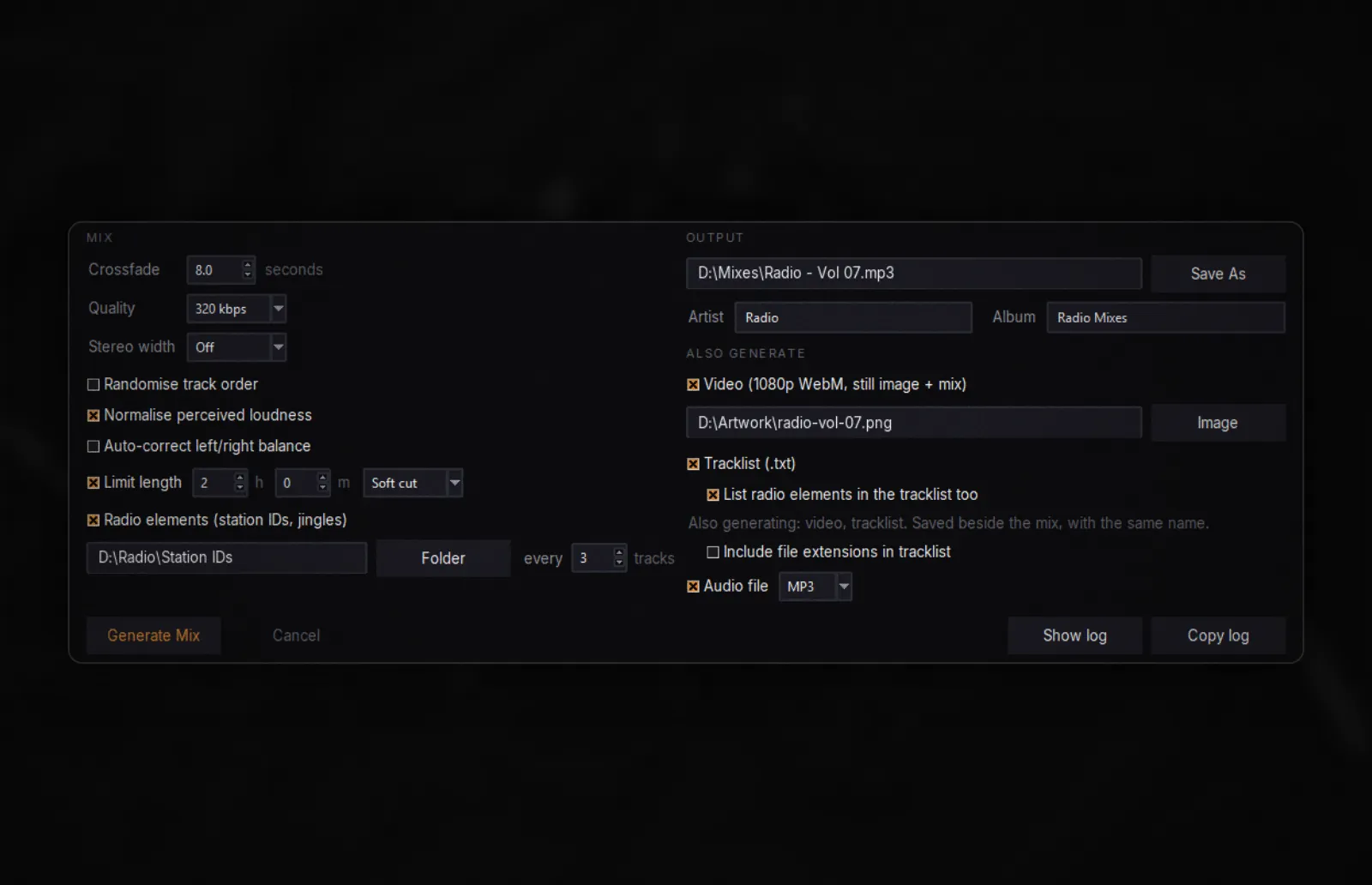
Insert station IDs, jingles and sweepers between groups of tracks. Each element plays once before repeating, with short transitions that keep speech clear.
03
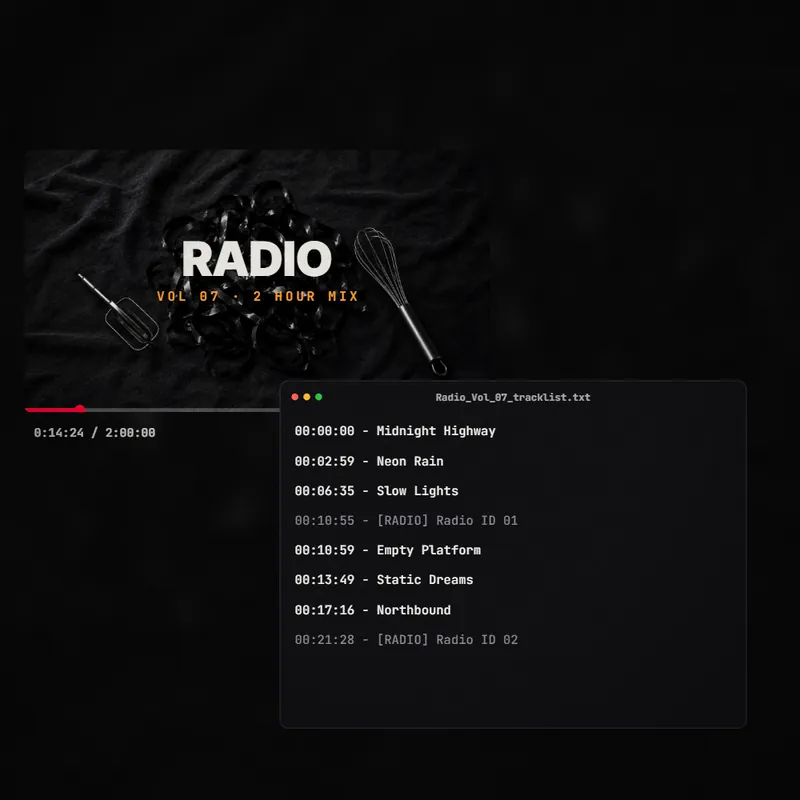
Export a 1080p WebM video using your artwork and a timestamped text tracklist from the same mix timeline. Choose either output or both.
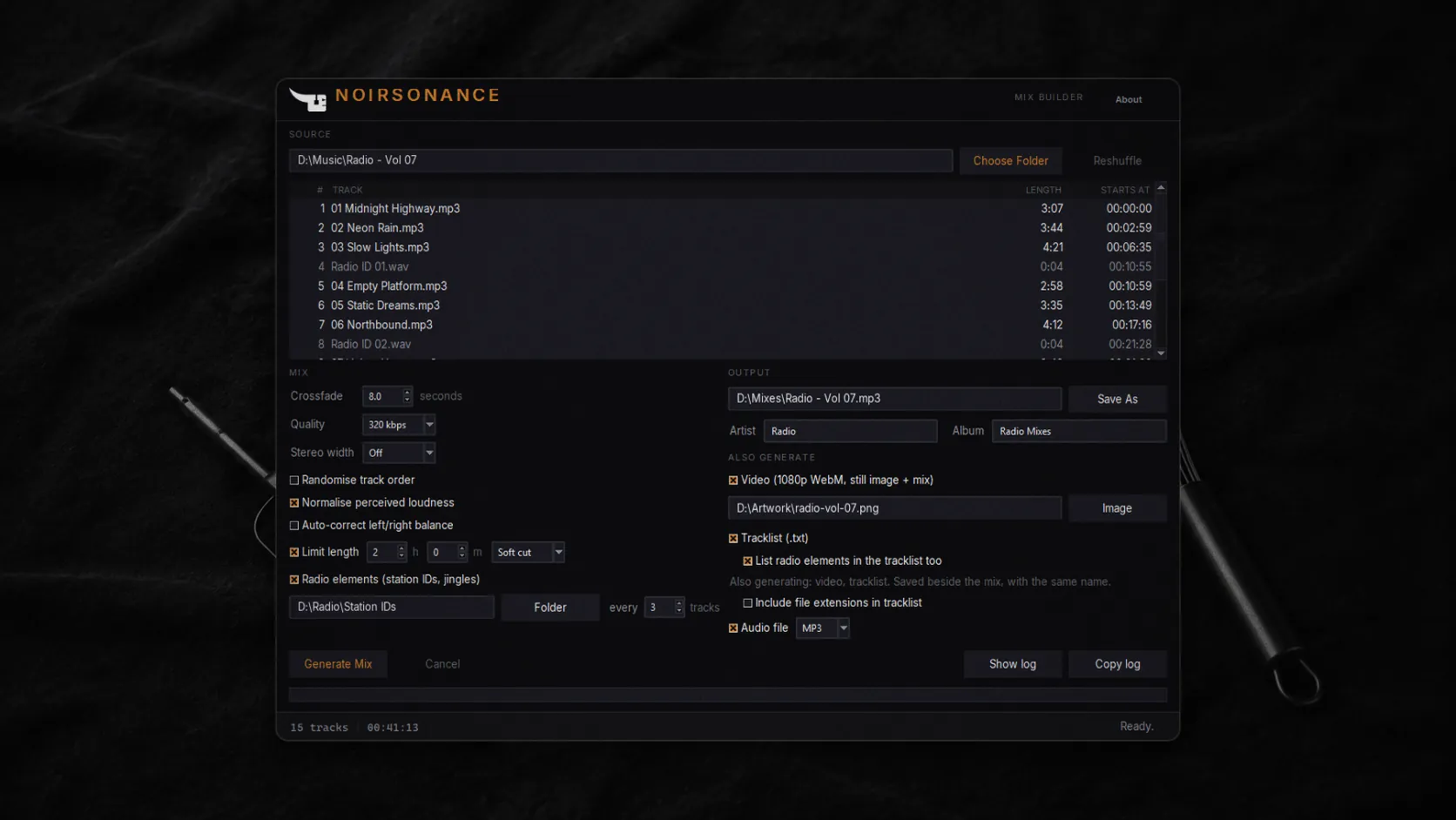
Mix Builder turns a folder of audio into one long crossfaded mix. Set the transitions, choose the order and let the app handle the render, with optional loudness normalisation, stereo width and balance correction.
Made for background-music and radio-style programmes. Tracks keep their original tempo and pitch: Mix Builder does not beatmatch, sync BPM or match musical keys.
SEE IT IN MOTION
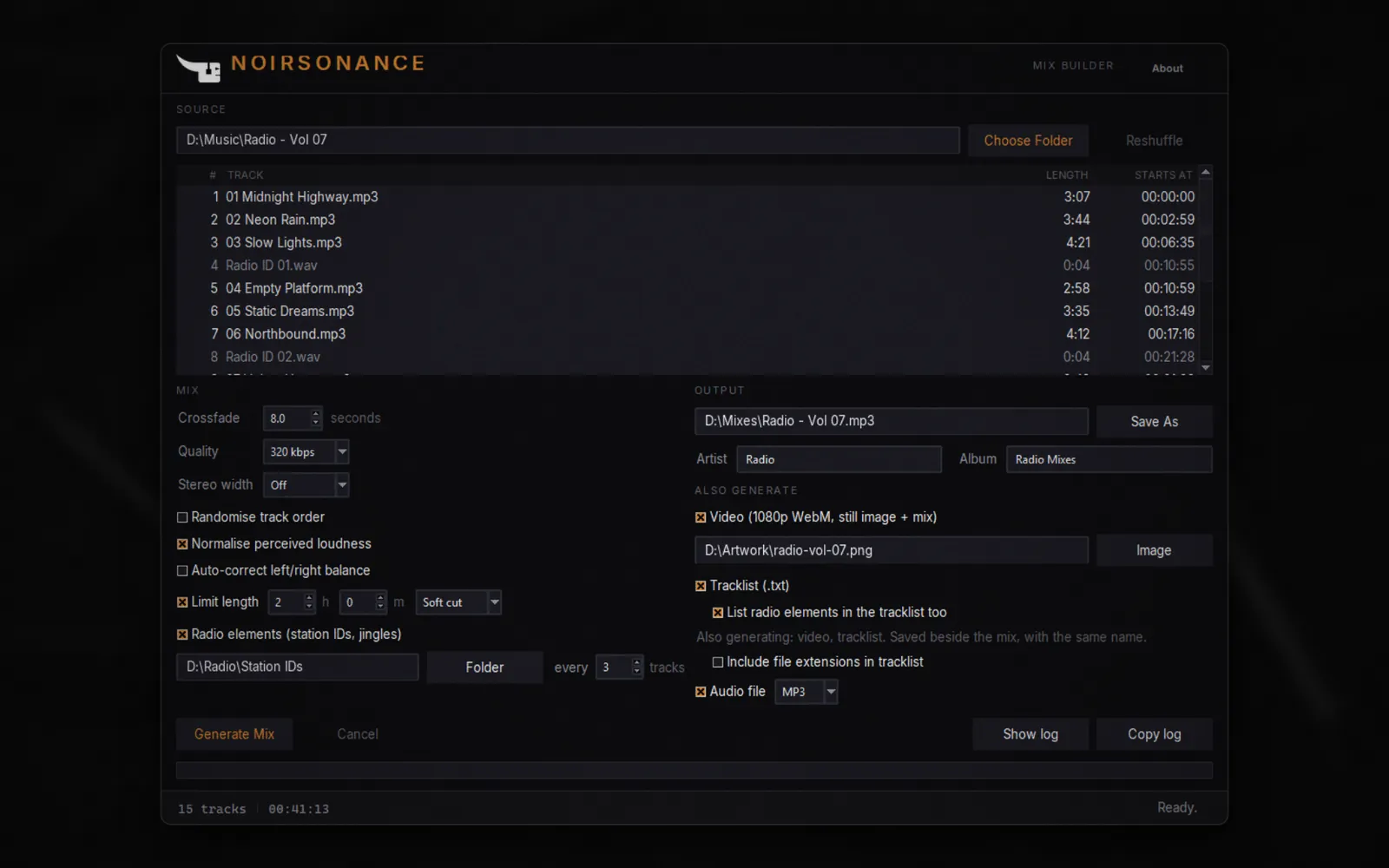
Choose your source folder. Set the crossfade. Press Generate Mix. Your audio, video and tracklist follow one finalised timeline.
WORKFLOW
Create background-music programmes, radio-style shows and YouTube mixes from the tracks you already have.
Choose a folder with at least two supported audio files.
Set crossfades, track order, length and optional radio elements.
Save the audio, add artwork for a video and generate a tracklist.
Let Mix Builder render the programme. Your source files stay untouched.
DESIGNED FOR SPEED
Everything you need is in one focused window: source tracks, transitions, radio elements and output choices. Work entirely offline, without an account, cloud processing or telemetry. Your original music files are only read and never modified.
TECHNICAL DETAILS
AVAILABLE NOW
€19.99 THROUGH 31 DECEMBER 2026
One-time purchase. No subscription. Windows and macOS.
THE COMPLETE WORKFLOW
See the complete process: choose your tracks, shape transitions, add radio elements and export your finished programme.